Muse AI Free 2026: 1 Billion Tokens, Full Setup & AI Video Generator Guide
Muse AI is trending because creators are searching for a free AI video generator, a ready-to-use account and the widely shared 1 billion token offer. But search results also mix Meta Muse, Muse Video and unrelated websites under one name. This complete guide separates the facts from the hype, explains the safest setup route, and shows how to plan stronger AI videos without calling a limited token balance “unlimited.”
Quick Answer: Is Muse AI Free and Do You Really Get 1 Billion Tokens?
The 1 billion token balance appears in the FA Tools Store account listing and in third-party guides. We have not independently confirmed a universal free-token or referral offer in official documentation, so do not assume every new Muse account receives it. Check free access, eligibility, expiry and video features on the exact service before buying. A large balance is still finite: “1 billion tokens” and “unlimited videos” are not the same claim.
Important: never pay someone only for a referral code, never enter a password on a token-generator page, and do not assume a website is official because it uses the word Muse. Check the live account details and terms before ordering.
Muse AI Account — 1 Billion Tokens
Check live availability Instant delivery
What Is Muse AI? The Name Confusion Explained
The phrase “Muse AI” currently points to more than one service. Meta Muse is described as a personal AI agent that can help with research and multi-step tasks. Muse Video is a separate generative video model associated with Meta’s AI research. A number of independent websites also use similar Muse names for their own text-to-video services. These products are not automatically the same company, model or account system.
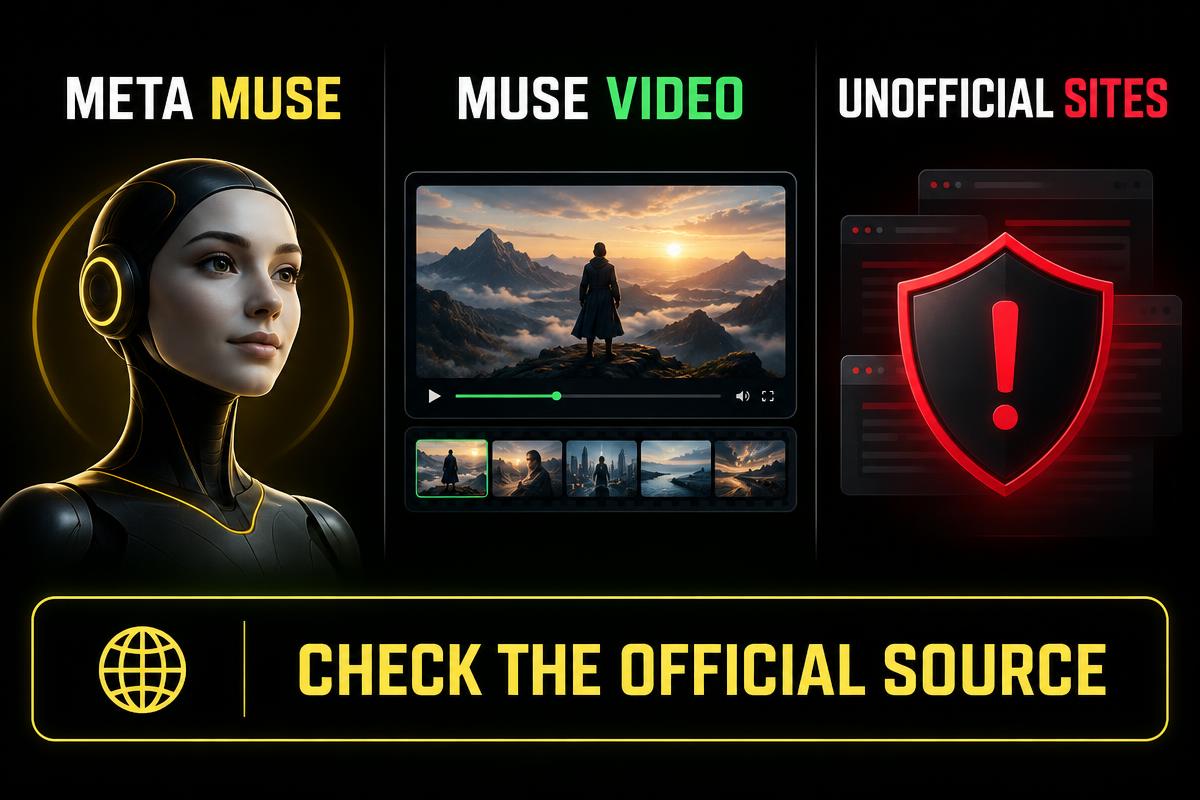
| Name you may see | What it means | What to check |
|---|---|---|
| Meta Muse | A personal AI agent for research and multi-step work | Official access, supported region and account eligibility |
| Muse Video | A distinct AI video-generation model or experience | Whether public generation is available on the service you are using |
| Independent Muse sites | Third-party tools using a similar name | Company identity, pricing, privacy, refunds and model provider |
| FA Tools Store listing | A ready-made account listing with stated token balance | Live stock, exact delivery details and current warranty |
Muse AI 1 Billion Tokens: What the Offer Actually Means
A token is a usage unit, not a fixed number of finished videos. Text research may use fewer tokens than image or video work, and longer or higher-quality generations may cost more. The useful question is not only “How many tokens do I get?” but also “Which actions use them, does the balance expire, and can the account use the video feature I need?” Check these points inside the delivered account because platform rules can change after an article is published.
- Confirm the displayed token balance after the first login.
- Check whether the balance is promotional, weekly or tied to an invitation.
- Open the usage page to see how different jobs are charged.
- Test one short video before spending tokens on a long project.
- Save delivery details securely and do not share the account publicly.
Muse AI Full Setup Guide — Step by Step
- 1Choose the exact Muse product you need. For a ready-made option, open the Muse AI Account — 1 Billion Tokens listing and read its live details.
- 2Create or sign in to your FA Tools Store account before checkout so your paid order and delivery stay available in My Account.
- 3Check live stock, price in USD and the approximate PKR value, then select the permitted quantity.
- 4Place the order and pay through Binance Pay in USDT. For another local payment method, use the WhatsApp contact option shown at checkout.
- 5After payment verification, open the order page and copy the delivered email, password and mailbox access details one by one.
- 6Sign in only on the service named in the delivery instructions. Avoid search ads, shortened links and pages claiming to generate free tokens.
- 7Review the token balance, security options and available creation tools before starting a large job.
- 8Run a small test prompt, download the result and confirm quality before using more tokens.
How to Create an AI Video With Muse
1. Start with one clear scene
Describe one subject, one action and one location. A focused prompt is easier for a video model to follow than a paragraph containing five scenes. For example: “A small robot waters yellow flowers on a rooftop garden at sunrise, slow camera push-in, cinematic light.”
2. Add camera, motion and style
After the main scene, add the camera move, speed, lighting and visual style. Useful phrases include close-up, wide shot, slow tracking shot, overhead view, soft daylight, documentary, 3D animation or realistic product commercial. Keep the instructions compatible instead of mixing opposite styles.
3. Pick the correct aspect ratio
| Platform | Best shape | Good use |
|---|---|---|
| YouTube | 16:9 landscape | Tutorials, explainers and long videos |
| Shorts / Reels / TikTok | 9:16 vertical | Fast hooks and mobile-first clips |
| Instagram feed | 1:1 or 4:5 | Product posts and square animations |
| Website banner | Wide landscape | Simple motion with room for readable text |
4. Generate short tests before the final clip
Use a short draft to test the character, framing and movement. If the face, hands or camera path looks wrong, change one instruction at a time. This is more efficient than repeatedly generating a long video with the same unclear prompt.
Best Muse AI Prompt Formula for Better Videos
Use this order: subject + action + environment + camera movement + lighting + style + aspect ratio. A practical prompt is: “A confident young presenter opens a futuristic editing studio, floating video frames appear around her, smooth dolly-in, warm yellow rim light, polished 3D animation, vertical 9:16.” Add dialogue or audio directions only if the creation screen clearly supports them.
- Keep the subject consistent: name clothing, age range and key visual details.
- Use physical actions such as walks, turns, lifts or looks instead of vague words like amazing.
- Request one camera move per shot to reduce unstable motion.
- Avoid putting long on-screen text inside generated footage; add titles later in an editor.
- For animation, name a broad style without copying a living artist or protected character.
Muse AI for YouTube Automation and Faceless Channels
Muse can help creators plan ideas, draft scripts, design visual prompts and produce short scenes where video generation is available. A reliable workflow still needs human review: research the topic, verify facts, write a natural script, generate several matching shots, add narration and captions, then check copyright and platform rules before upload. One-click claims should not replace fact-checking or editing.
- 1Choose one searchable viewer problem and write a clear promise for the video.
- 2Create a hook for the first 10 seconds, followed by a simple scene-by-scene outline.
- 3Generate each scene separately so characters and camera movements are easier to control.
- 4Add your own voice, commentary, examples or editing so the result provides original value.
- 5Export in the target platform ratio and watch the full video before publishing.
Is Muse AI Really an Unlimited Free AI Video Generator?
No fixed token balance should be described as technically unlimited. “Unlimited” is often used in video titles to mean the balance feels very large for normal use, but limits can still include tokens, generation queues, supported regions, model availability, safety filters, clip length or account terms. The honest description is that eligible accounts may show a very large token balance, while actual usage depends on the live service.
Common Muse AI Problems and Safe Fixes
| Problem | Likely reason | Safe next step |
|---|---|---|
| No video option | Feature is unavailable for that account, region or service | Check the exact product and current feature list; do not use clone links |
| Token balance is different | Offer or account terms changed | Save a screenshot and contact support with your order number |
| Login code not received | Mailbox access or delivery detail issue | Use the supplied mailbox link and copy credentials carefully |
| Generation failed | Prompt, safety filter, queue or temporary service issue | Simplify the prompt and try a short test later |
| Website asks for extra payment | You may be on an unrelated service | Stop and verify the domain from your delivery instructions |
Muse AI Account Safety Checklist
- Never reuse your personal email password on a purchased or third-party account.
- Do not install unknown browser extensions or APK files to unlock tokens.
- Ignore pages promising unlimited referral codes without an account.
- Keep your FA Tools Store order number for warranty and delivery support.
- Follow the delivered instructions before changing account recovery details.
- Do not use generated media to impersonate people, spread false information or violate copyright.
Should You Buy a Muse AI 1 Billion Token Account?
For current listing comparisons, checkout steps and account-safety checks, read our buy Muse AI account in Pakistan guide.
It can make sense if you want ready-made access, understand that the token balance is not a lifetime unlimited guarantee, and have checked that the available Muse service includes the feature you need. If your only goal is one short clip, test a free option first. If you plan regular content, compare generation quality, speed, account terms and support—not just the biggest number in the title.
Muse AI Account — 1 Billion Tokens
Check live availability Instant delivery
Final Verdict
Muse AI is receiving strong attention from creators because personal-agent tools, AI video and the 1 billion token offer are being discussed together. The opportunity is useful, but the names and claims are easy to confuse. Use the exact product link, verify the live balance, begin with short test generations and treat “unlimited” as marketing language rather than a guaranteed technical rule. That approach protects your account and helps you spend tokens on videos that are actually worth publishing.
Sources and official references
Frequently Asked Questions
Is Muse AI free?
Muse may offer free access or promotional usage, but exact eligibility, region and limits can change. Check the live account screen before relying on any quoted token amount.
How do I get 1 billion tokens on Muse AI?
FA Tools Store lists an account with a stated 1 billion token balance when available. A universal free-token or referral promotion has not been independently confirmed here from official documentation. Check the exact service, live delivered balance, eligibility and expiry before relying on third-party claims.
Does 1 billion tokens mean unlimited AI videos?
No. Tokens are usage units, and video cost can vary by model, length and quality. A very large balance may allow substantial use, but it is still different from a guaranteed unlimited plan.
Is Muse AI the same as Muse Video?
Not necessarily. Meta Muse is discussed as a personal AI agent, while Muse Video is a distinct video-generation model. Independent websites also use similar Muse names, so always verify the exact service.
Can I use Muse AI in Pakistan?
Access and features can depend on the service, region and account. FA Tools Store customers should follow the delivered login instructions and contact support if the supplied account cannot access its stated features.
Can Muse AI create YouTube and animation videos?
Where video generation is available, it can support short scenes, animated concepts and creator workflows. Results, length, audio and resolution depend on the exact service and model available in the account.
Where can I buy a Muse AI account?
FA Tools Store lists a Muse AI Account with 1 Billion Tokens when stock is available. Check the live product page for price, delivery details and warranty before paying.